
5 Top tips for using TrydaNi cars
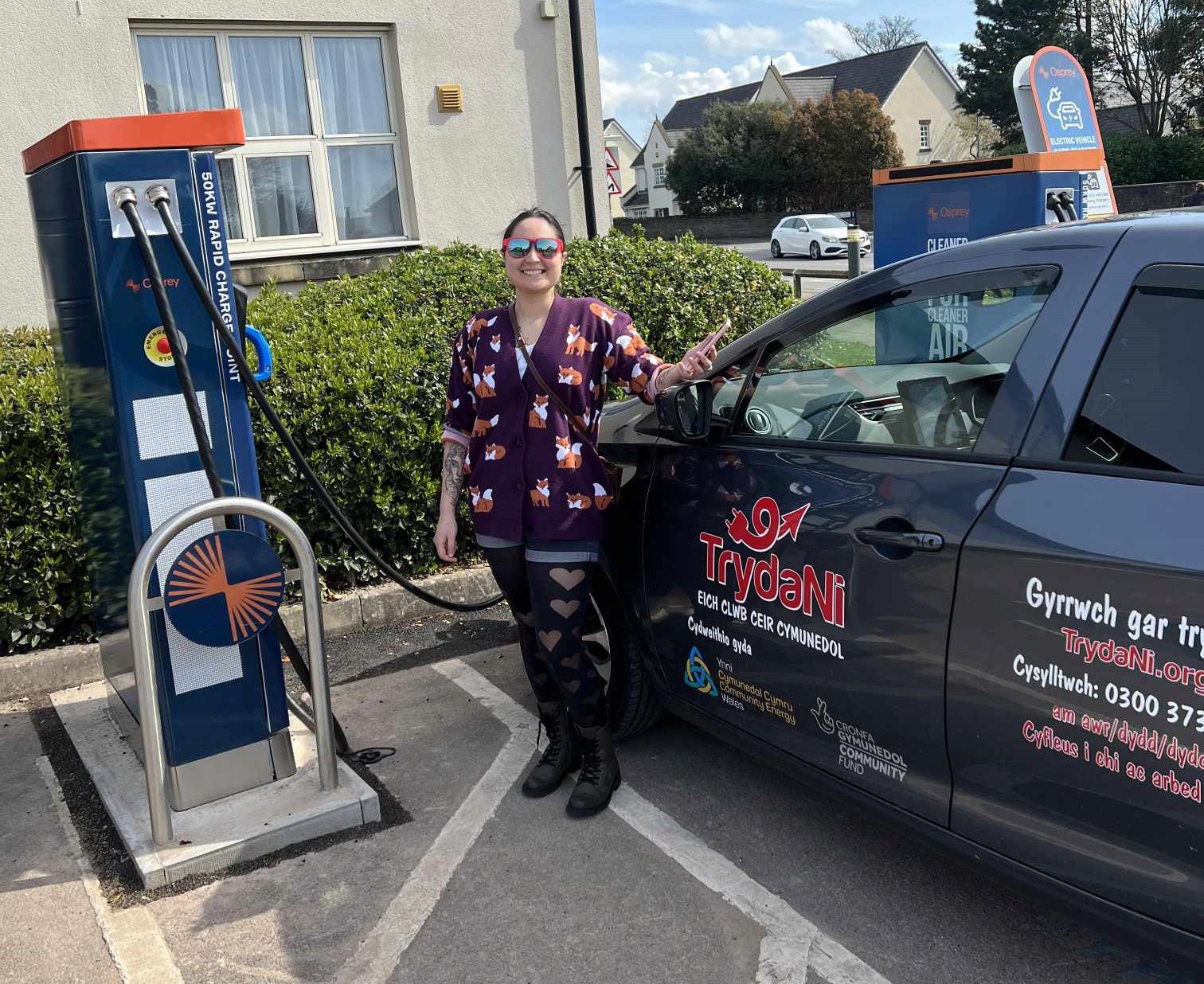
We are well into 2026 and TrydaNi has more members and our cars are getting more action than ever before! We thought we would take a moment to give our members some tips about using our cars that might make your journeys smoother:
Take full advantage of our help content: We have a full repository of information and short videos to help you understand the TrydaNi service. There’s an instructional video for each model of car, all under two minutes, showing you everything you need to know to get driving.
As we’re a mostly rural service, phone reception can be patchy when you’re at the car itself. If you watch the video at home before your booking, it’ll put your mind at ease and give you a basic tour of what to expect.
Book the car for longer than you need: We never penalise members for returning the car early. We do penalise late returns.
We strive to be a reliable service, and that depends on members being able to rely on having access to the car at their booked time. We’ve built in a 30-minute buffer between bookings to allow for charging time — so the car really does need to be plugged in during that window.
Booking the car for slightly longer than you need helps avoid issues for the next member and means they can relax, knowing the car will be ready in their timeslot.
Take the physical key with you when you leave the car at your destination:
The car can be locked and unlocked through the app at the beginning and end of your booking. During your booking, it’s best to use the physical key stored in the car — for example, if you’re popping into a shop.
Lock the car with the key while you’re inside and unlock it when you return. We can’t guarantee strong phone signal everywhere, and we don’t want you stuck if you’re relying on the app at your destination.
Download zap map and look at places to charge enroute if needed:
We charge 16p per mile for up to 100 miles. If you’re planning a longer journey, you may need to charge the car yourself and pay with a debit card.
There are many different types of chargers with varying speeds. If you download Zap-Map — or at least check it on a computer before you travel — you can see where to stop and how quickly a chargepoint will top up the car.
The app also gives live information on whether a charger is available. Simply checking the map in advance won’t always give you real-time accuracy.
And remember: you don’t want the battery to run completely flat. If it does, breakdown will need to be called and the car recovered. More information on charging here.
Use our handy price calculator to get a cost estimate for your trip:
It costs £2/hour (with a £30 daily cap) and 16p per mile (100-mile cap). The maths can be tricky to work out on the fly — so we created a simple tool to help you estimate the cost of your trip.
Use it before your journey so you know how many credits to top up and can travel with confidence.
Of course, we’re here to support you on the 0300 373 5500 phone line from 8am–10pm if you need us.
We’re in this together — and the smoother each journey runs, the stronger our car club becomes.
